Content Migration Manager
Consolidate your content. Simplify your move to OpenText.
Bring content from separate repositories into OpenText Content Server, or move between Content Server instances. CONTEGRY Content Migration Manager supports repository consolidation and platform transitions, helping organizations bring their content together and verify migration results in one tool.
Discuss Your Migration →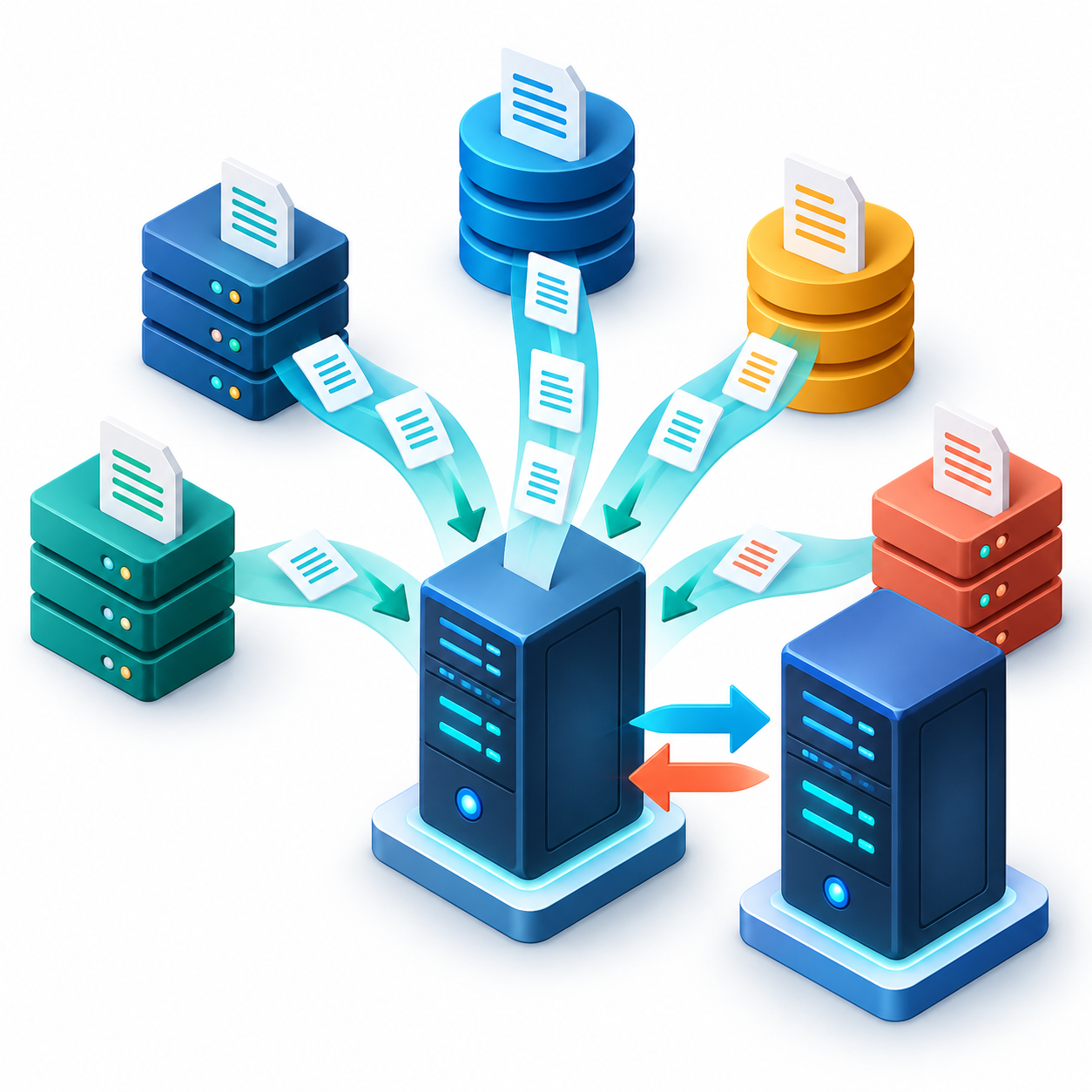
What Your Migration Includes
Plan for your documents and the information around them. The scope below is reviewed against your source system, destination, and supported object types before a migration.
- Content and Folder MigrationMove documents with their folder hierarchy, keeping content organized in the destination repository.
- Metadata MappingMap source metadata to destination categories and attributes, with field requirements considered as part of migration planning.
- Version HistoryCarry supported document versions into the destination, with the required history and version sequence defined for your migration.
- Permissions and OwnershipMap ownership and access rights to destination users and groups, accounting for differences between the two security models.
- Business Workspace MigrationInclude supported workspace content, structure, metadata, and roles. Template dependencies and business-system connections are assessed separately.
- Selected Configuration MappingIdentify and map the repository definitions your content depends on, such as selected categories, attributes, and workspace templates.
- Document Count ReconciliationCompare source and destination document counts within the agreed migration scope.
- Metadata and Structure ValidationCompare mapped metadata and folder structures to identify missing or mismatched information.
- Version History ChecksReview supported document versions and their sequence against the agreed migration requirements.
- Permissions and Ownership ChecksCompare migrated access and ownership against the approved destination mappings.
- Exception ReportingIdentify missing, skipped, failed, or mismatched items that require investigation.
- Migration Summary and Sign-offBring validation results and outstanding exceptions together for review and migration acceptance.
Discuss your migration with us to confirm the supported features and validation checks for your specific systems and versions.
Migration routes
- Content Server ↔ Content Server
Move content between OpenText Content Server instances.
- DocuWare → Content Server
Bring DocuWare content into your OpenText environment.
- SharePoint → Content Server
Consolidate SharePoint content in OpenText Content Server.
- eDOCS → Content Server
Transition content from eDOCS to OpenText Content Server.
Additional ECM platforms may be supported following a review of your requirements.